Choose domestic or international, then from, to, dates, cabin, and passengers.

Flights
Book a Flight From Your Wallet.
How to book a flight in Nigeria: search, pick a fare, pay once from your balance. The ticket sits with your other spends.
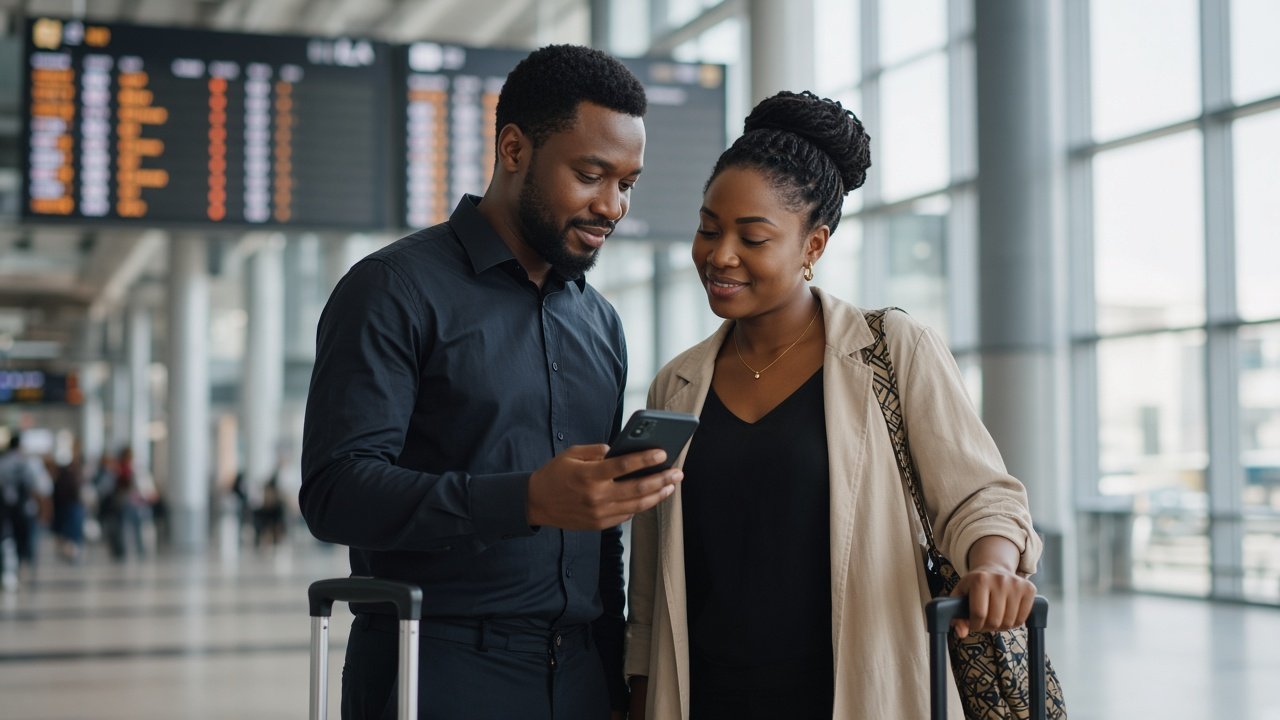
Fare You Choose. Ticket You Keep.
Airline, passenger, and fee show before you pay. After booking, download the e-ticket from the booked screen.
How It Works in the App
Frequently Asked Questions
Open Flights, set the route, dates, cabin, and passengers, pick a fare, enter the passenger name, and pay from your wallet. Download the e-ticket from the booked screen.

Save Toward a Goal
Name a goal, set a target, and move money out of everyday spend — still in SanBills.
More About Savings.webp)
Track Your Bills
See what you spent, set a budget, and get a reminder before the next bill is due.
More About Bills Tracker
Get Travel Data
Pick a destination, buy a plan from your wallet, and install the eSIM before you fly.
More About eSIM